Introduction
Maintaining a modern home doesn’t have to be time-consuming. With smart devices now handling everything from climate control to security, homeowners can stay ahead of costly repairs by following a smart home maintenance checklist designed for busy schedules.
This 2026-ready guide breaks home maintenance into quick, manageable tasks—most of which take less than 10 minutes—to keep your home efficient, safe, and stress-free.
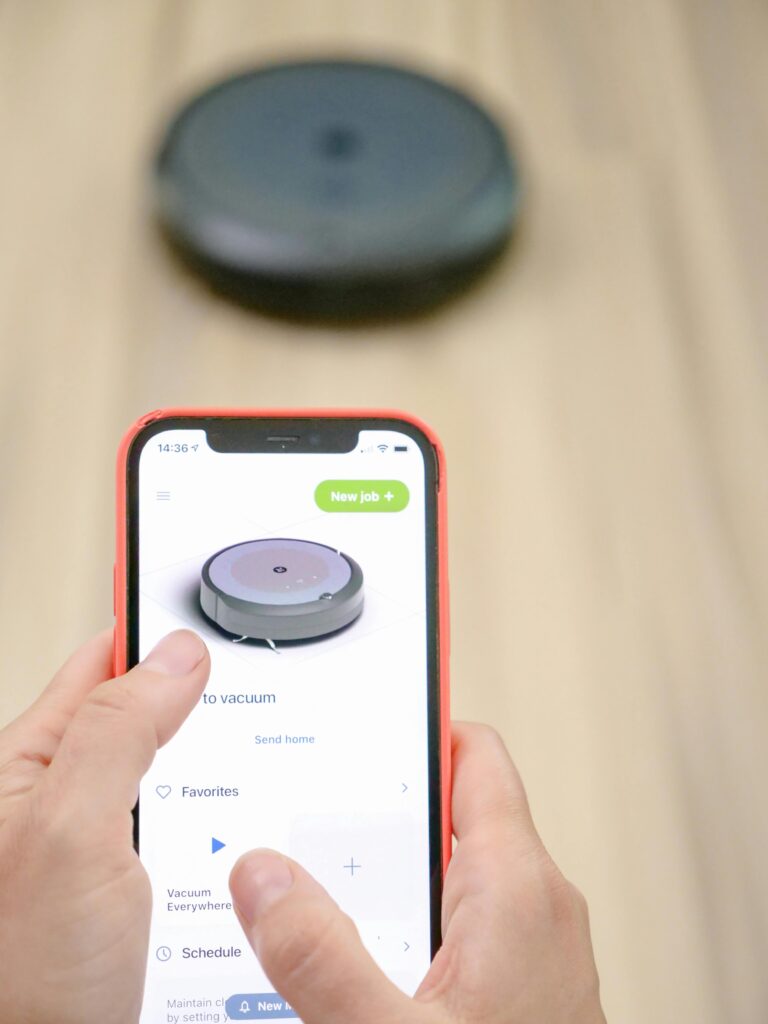
Why Smart Home Maintenance Matters in 2026
Smart homes rely on connected systems. When one system fails, it can affect energy usage, security, and comfort.
Regular smart maintenance:
Prevents expensive breakdowns
Improves energy efficiency
Extends the lifespan of smart devices
Keeps software and security up to date
Monthly Smart Home Maintenance Checklist

These tasks take 30 minutes or less per month.
1. Update Smart Device Software
Check for firmware updates on smart thermostats, cameras, and hubs
Enable auto-updates where possible
2. Test Smart Security Systems
Test motion sensors
Check camera angles and night vision
Confirm mobile alerts are working
3. Clean Smart Sensors
Dust can interfere with performance.
Wipe smart thermostats
Clean smoke and CO detector vents
Remove dust from motion sensors
Quarterly Smart Home Tasks
Every 3 months, spend one hour on deeper checks.
4. Check Wi-Fi Coverage
Ensure strong signals in all rooms
Reposition routers if needed
Update router firmware
5. Inspect Smart Appliances
Run diagnostic checks on smart washers and refrigerators
Clean appliance filters
Check water leak sensors
For daily upkeep routines, follow this simple 15-minute soft reset cleaning method for modern homes.
Biannual Smart Home Maintenance
Twice a year is enough for these tasks.
6. Replace Smart Device Batteries
Smart locks
Door sensors
Smart blinds
7. Review Automation Rules
Remove unused automations
Adjust schedules for seasonal changes
Optimize energy-saving routines
Annual Smart Home Checklist
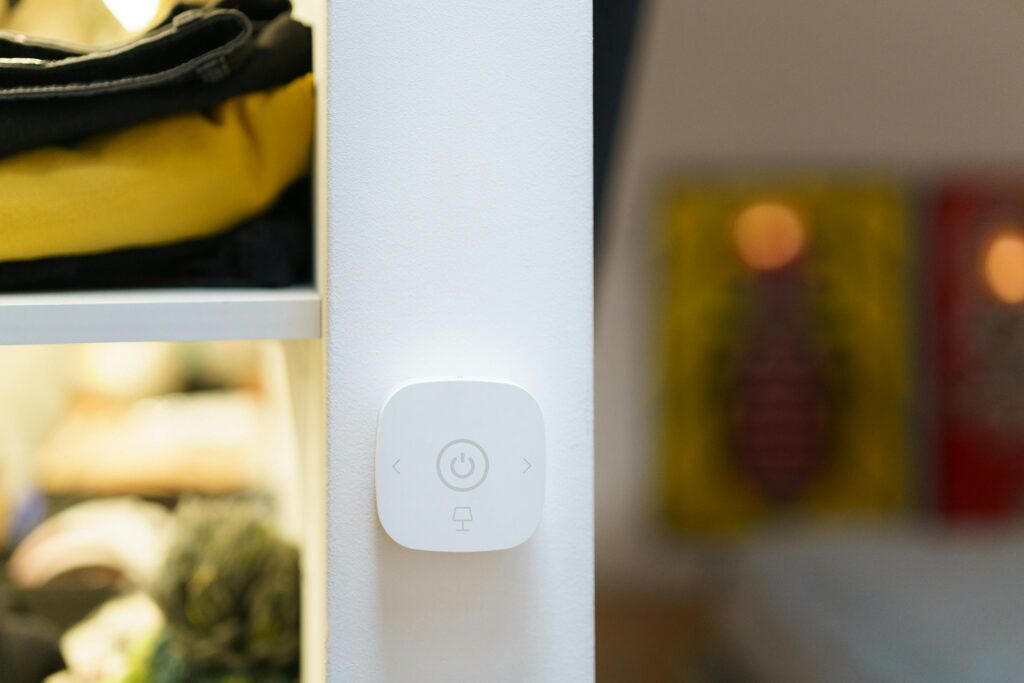
Once a year, do a full system review.
8. Test Backup Systems
Battery backups
Emergency power supplies
Internet failover (if available)
9. Upgrade Outdated Devices
Replace unsupported devices
Upgrade hubs for better compatibility
Review smart home security standards
If you’re organizing a compact living space, these small kitchen organization ideas that actually save space pair perfectly with smart home upgrades.
Smart Home Maintenance Tips for Busy People
Schedule reminders inside your smart assistant
Automate self-diagnostics where possible
Keep a digital maintenance log
Bundle tasks into 15-minute sessions
Common Smart Home Maintenance Mistakes
Ignoring software updates
Using weak Wi-Fi passwords
Overloading automations
Forgetting battery-powered devices
Avoiding these mistakes saves time and money long-term.
Final Thoughts
A smart home should make life easier—not more complicated. By following this smart home maintenance checklist, busy homeowners can protect their investment while enjoying a smoother, more efficient living experience throughout 2026 and beyond.
Consistency, not perfection, is the key.